


UMC686281 · Microsoft Teams, Microsoft 365 Experts
From Microsoft Corporation
Technical Bulletin MC686281 · Published Oct 31, 2023 · Last updated Nov 27, 2023
Message Summary
Updated November 27, 2023: We have updated the content below with additional information.
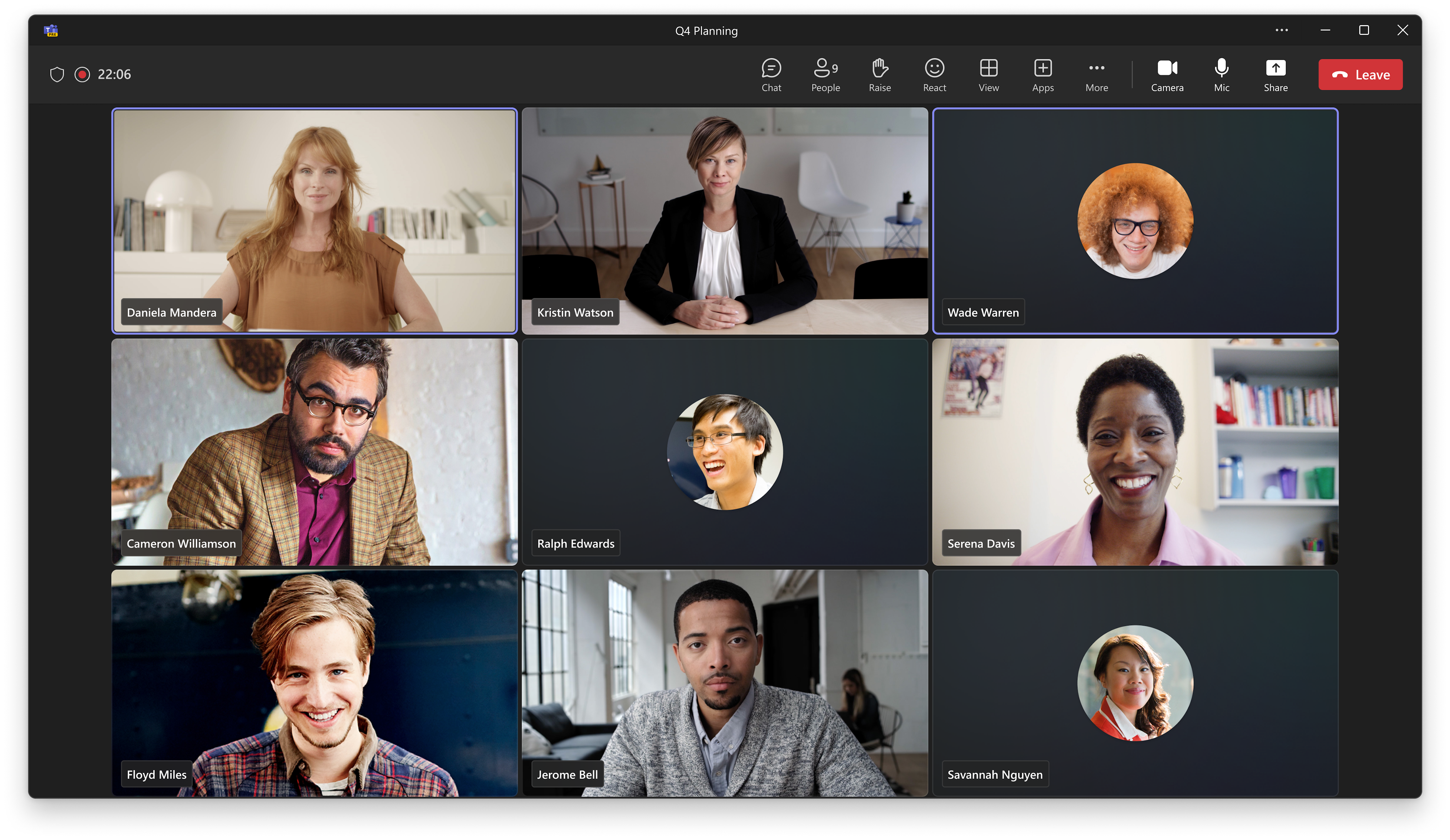
We are introducing a revamped version of the gallery in Teams meetings and calls. The new gallery will be the default view when users join their meetings, so that they can use it without the need of taking an action.
This message is associated with Microsoft 365 Roadmap ID 118467
When this will happen:
Targeted Release: We will begin rolling out early January 2024 (previously early December) and expect to complete by mid-January 2024 (previously mid-December).
Production and GCC: We will begin rolling out mid-January 2024 (previously early January) and expect to complete by late January 2024 (previously mid-January).
GCC High: We will begin rolling late January 2024 (previously mid-January) and expect to complete by early February 2024 (previously late January).
DoD: We will begin rolling out late January 2024 and expect to complete by early February 2024.
How this will affect your organization:
This new version introduces a series of changes to help users in their meetings:
- 16:9 aspect ratio participant tiles for more predictability. A consistent aspect ratio maintains a more predictable experience when users turn their videos on or off. It also provides more visibility into users’ body language and hand gestures.
- An audio-video mixed gallery for a more inclusive representation. Audio and video users share now the same space by default.
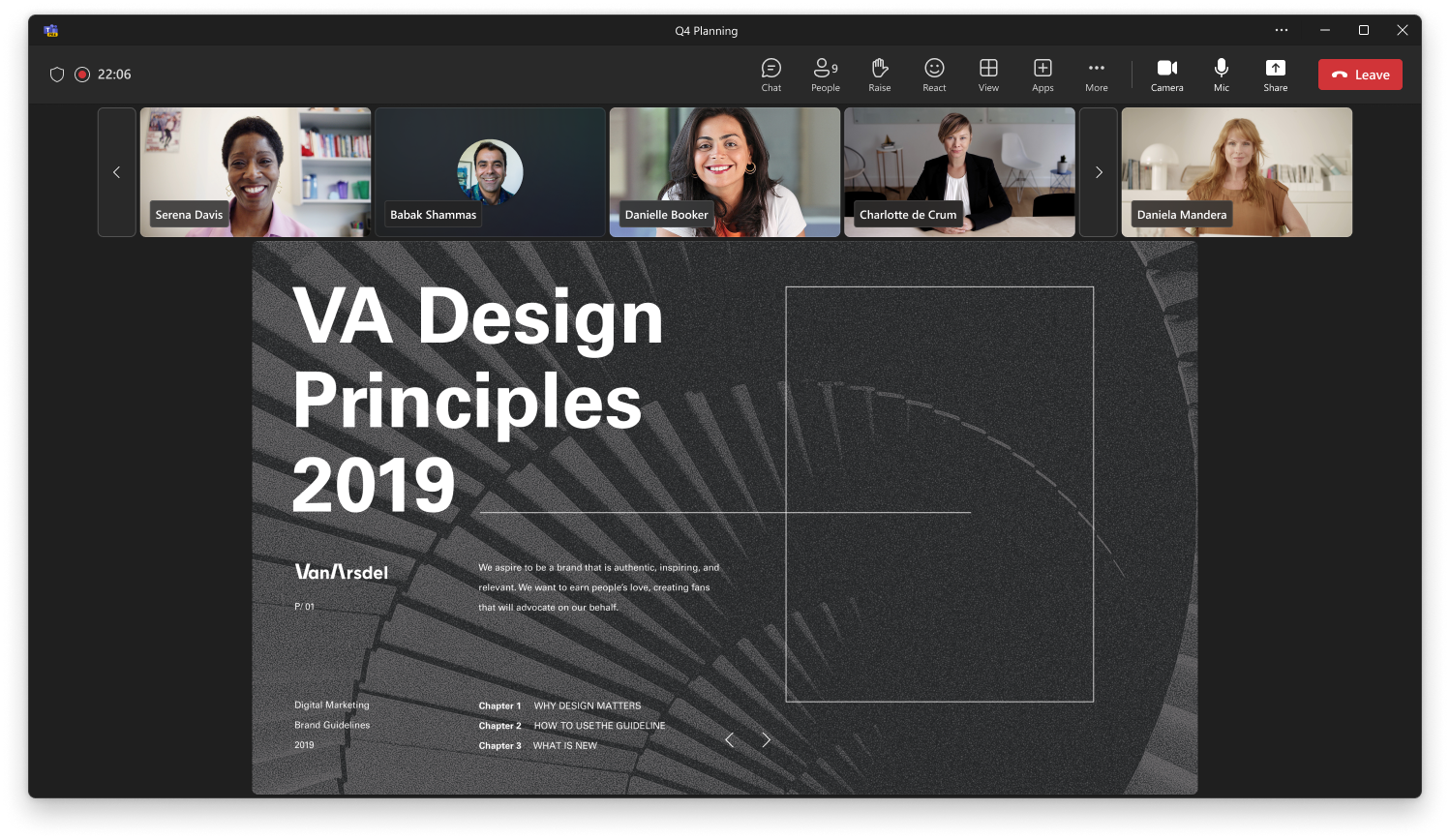
- Meeting rooms are displayed larger than individual participants. In certain meeting sizes, we display Microsoft Teams Rooms video in a larger size than the rest of the participants to give an equivalent weight to participants joining from a meeting room. Non-Teams rooms joining Teams meeting via Direct Guest Join will remain the same tile size as today.
- You appear next to the rest of the participants. Your own tile will now be included next to the rest of the participants.
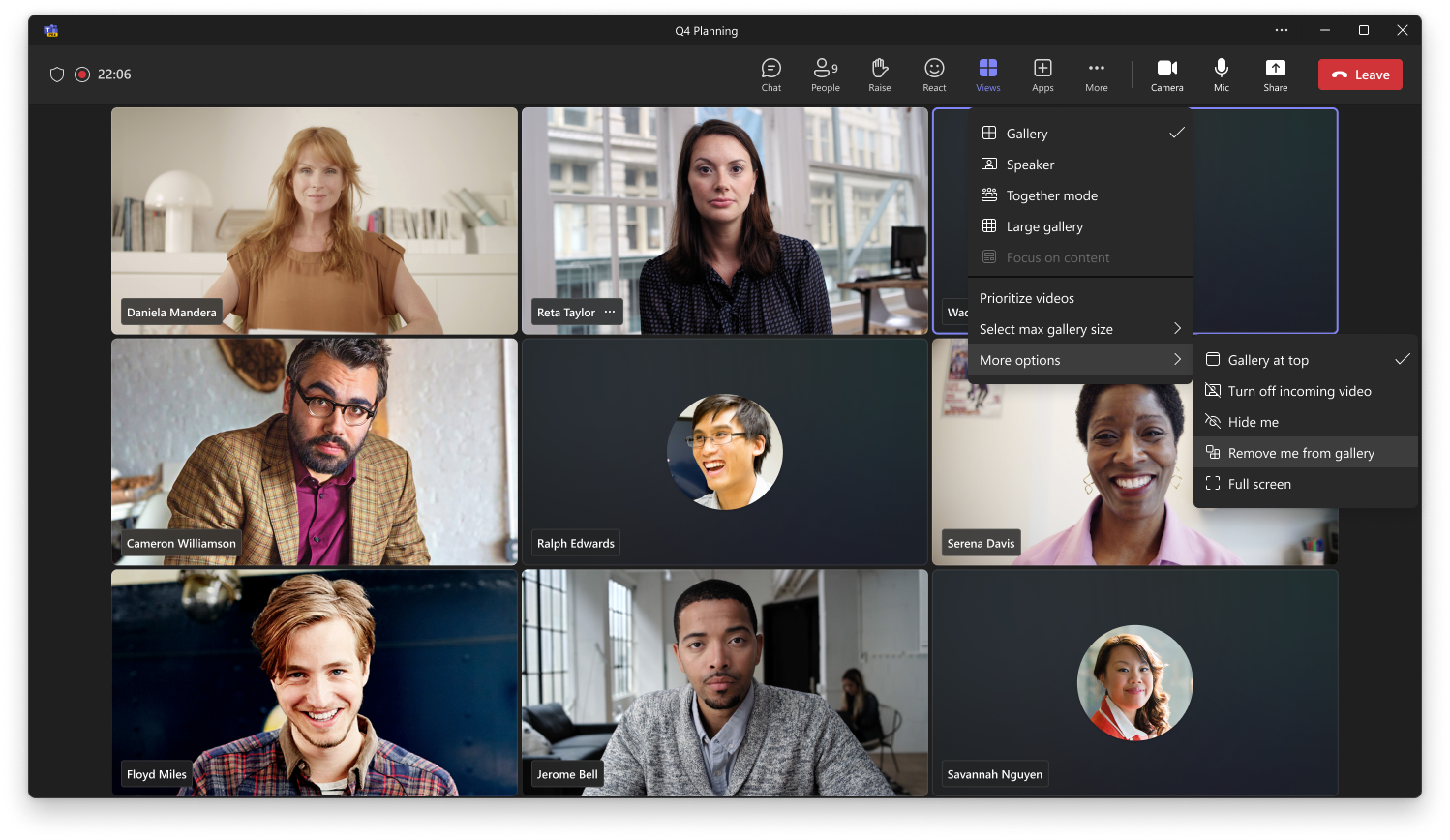
- Customization of the gallery. Users can adapt the gallery to their needs or preferences. The customization options include:
- Gallery size: Users can choose the maximum number of tiles that will be represented per page. The entry point for this action is available through the meeting toolbar: “View” > “Change gallery size”.
- Placement of your own tile: For users who prefer to keep themselves separated from the rest of the participants. If chosen, the self-tile will be placed in an area separate from the rest of the participants. The entry point for this action is available through the meeting toolbar: “View” > “More options” > “Remove me from gallery”.
- Prioritizing videos: For users who want to give a higher weight to participants with their video on. If chosen, video participants will be displayed more prominently than audio participants. The entry point for this action is available through the meeting toolbar: “View” > “Prioritize video”.
- Meeting room tile size: Users can decide if they want to resize the meeting room tile to the same size as the rest of the participants. The entry point for this action is available in the contextual menu of the room tile.
What you need to do to prepare:
Please notify your users about this change and update any training documentation, as appropriate.